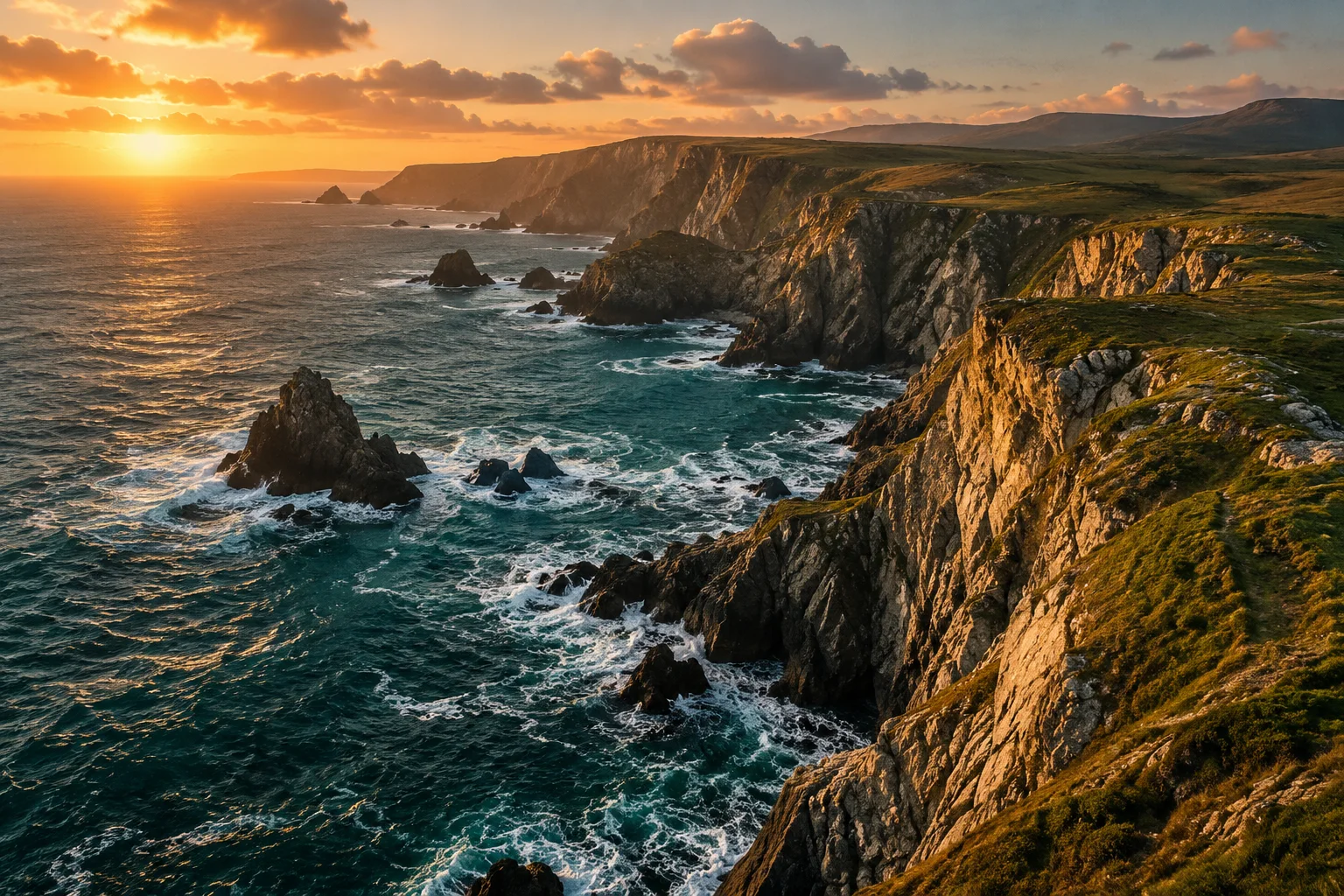
See the individual shots.
Hard cuts, dissolves and fades become searchable moments. Even a long take can be broken into useful segments.
Free, open-source AI video and photo search
Describe what you need. Search what’s visible or said across your footage, then take the best moments into your edit. For editors and AI agents, on your own hardware.
Windows · macOS (Apple Silicon) · Linux
No subscription required. MCP and REST API included.

You remember the feeling, the light, the moment. Metachlorian remembers where it lives. Turn folders of footage into a searchable library of individual shots, with the context you need to use them.
Try the sample library. Search for a coastline, filter for 4K, or find shots cleared for paid social.
6 sample shots
Click a shot to see the evidenceAn illustrative interface with a fixed sample dataset and AI-generated still imagery. Your real library runs on your own hardware.
Every shot becomes a structured record. Meaning, movement, speech and usability come together—so you can search the way you think.
Hard cuts, dissolves and fades become searchable moments. Even a long take can be broken into useful segments.
Search spoken dialogue and on-screen text alongside what the camera sees. Find the line you remember, down to the moment.
See the source and confidence of each signal. Correct a tag once and your correction stays, even after reprocessing.
Measured on a 4-vCPU reference machine, without a GPU. Results depend on your hardware and library. Read the evaluation
Find footage with its licence, releases, territories and expiry attached. Tell Metachlorian the intended use and search within the shots recorded as cleared for it.
Explore rights-aware searchBased on the rights recorded in your library.
Metachlorian is the knowing half of your workflow. It finds and organises the shots; your editor brings them to life.
Connect a local folder, a shared library or an S3 bucket. Index your existing archive without starting over.
Describe what you need, inspect the evidence, and build a collection of the moments that belong together.
Send a package to Cutawan or export timelines in OpenTimelineIO, FCPXML or CMX 3600 EDL.
Connect an agent through MCP or the REST API. It can find shots, inspect transcripts and check recorded rights using the same library you do.
Read-only by default. Explicit scopes for writes and exports. Every action audited.
Connect your agentFind three slow coastal shots for a paid social edit. At least eight seconds each.
Shots with in/out points, match explanations, and rights verdicts—ready for your agent to inspect.
Your portraits, family days and travels, searchable in the same Metachlorian library. Ask Codex or another vision-capable MCP agent to compare the moments and refine your favourites in Lightroom Classic.
Index a folder or sync your Lightroom catalogue through the bundled connector. Use existing Smart Previews through Lightroom, without copying your originals or building another cloud photo library.
Search image content, named people, dates and camera metadata. Compare bursts, expression, composition, light and detail using actual previews. Your brief and preferences guide the choice.
Adjust supported tone, colour, crop and detail controls on virtual copies. Review fresh Lightroom renders, recover through snapshots, and save the reviewed selection to a collection.
Built to avoid duplicate originals. A 256 MiB preview cache by default, about 947 MB of shared photo models once, and a compact local index. Lightroom’s own catalogue and AI data use additional space.
Source preview, outside the v0.2.0 installers. Editing targets Classic 15.6; live macOS/Windows certification is pending. Advanced tools require a manual handoff. Previews requested by your agent are sent to that agent.
Run the core models on your CPU. Add a GPU for speed and richer local captions, or enable an optional provider when you choose. Local files are analysed on your hardware unless an administrator enables a hosted model.
YouTube imports have a separate sharing setting: new imports contribute machine metadata to a public community index by default. Turn off Settings → Community sharing before importing private or unlisted videos. Read exactly what is shared.
For the new Photos and Lightroom features, use the current source preview; they are not included in these v0.2.0 installers.
Early release. Windows installers are unsigned; the macOS app is ad-hoc signed and not notarised. Review the release notes before installing. Intel Mac users can use the source setup below.
Start with the desktop app: Python, FFmpeg and the core are included. First launch downloads about 1.7 GB of analysis models once. Add a small folder you know, let analysis finish, then describe a moment you remember.
Server or NAS · Docker required · optional alternative to desktop
git clone https://github.com/JeremySNR/Metachlorian
cd Metachlorian

METACHLORIAN_ADMIN_PASSWORD='choose-a-long-password' \
FOOTAGE_DIR=/path/to/footage \
docker compose -f deploy/docker-compose.yml up -dLinux / macOS source · Python 3.11, uv, Node.js and FFmpeg
git clone https://github.com/JeremySNR/Metachlorian
cd Metachlorian/core
uv venv -p 3.11
uv pip install -e ".[analysis]"
.venv/bin/metachlorian models fetch
cd ../app && npm ci && npm run build
cd ../core
.venv/bin/metachlorian serve --add ~/FootageUse Codex, MCP and Lightroom Classic for portraits, travel and family favourites. Explore the source preview.
Read the Photos & Lightroom guideTurn an editing brief into a search, a shortlist and a timeline handoff.
Read the B-roll workflowSet up a self-hosted video library on your own server or NAS.
Read the setup guideGive an AI agent scoped access to your footage through MCP.
Read the agent guideThe current source preview adds photo search and an MCP editing workflow. Codex or another vision-capable agent compares actual previews, edits owned virtual copies through the bundled Lightroom connector, and reviews fresh renders before saving a collection. Editing targets Classic 15.6; live Mac/Windows certification remains pending. These features are not in the v0.2.0 installers. Read the setup, storage and capability guide.
Download the Windows installer, macOS Apple Silicon disk image or Linux AppImage above. The app bundles its core dependencies and downloads about 1.7 GB of analysis models on first launch. Start with a small folder and wait for indexing and analysis before judging search results. Docker and source installations are also available.
Metachlorian is an open-source, self-hosted video library that indexes footage at shot level. It combines measured technical signals with AI models for meaning, so people and agents can search for specific moments across an archive.
No. The default models run locally on a CPU. A consumer GPU can accelerate processing and enable richer local vision-language captions. External providers are optional and must be enabled by an administrator.
Local and personal files are analysed locally unless an administrator enables a hosted model. Separately, new YouTube imports share machine metadata with a public community index by default, including possible titles, transcripts and on-screen text. Turn off Settings → Community sharing before importing private or unlisted videos. Video files and face identities are not contributed. Read the sharing details and opt-out.
Yes. Hybrid search combines semantic similarity with words in transcripts, on-screen text, and labels. Faces can be recognised locally across shots and files; name someone once to find them again.
You record licences, permitted uses, channels, territories, expiry dates and releases per file, with shot-level overrides. Search with an intended use to filter against those records. Metachlorian uses your recorded permissions; it does not determine legal ownership automatically.
Export selected footage through OpenTimelineIO, FCPXML or CMX 3600 EDL, or hand off a collection to Cutawan. Agents connect through MCP or the REST API, with read-only access by default and explicit scopes for exports and writes.
The source code is available under Apache 2.0. Model weights have their own licences, documented in the repository. Your hardware and any optional external provider may have costs.